Choose from viewer count, chat overlay, now playing, timer, and more.
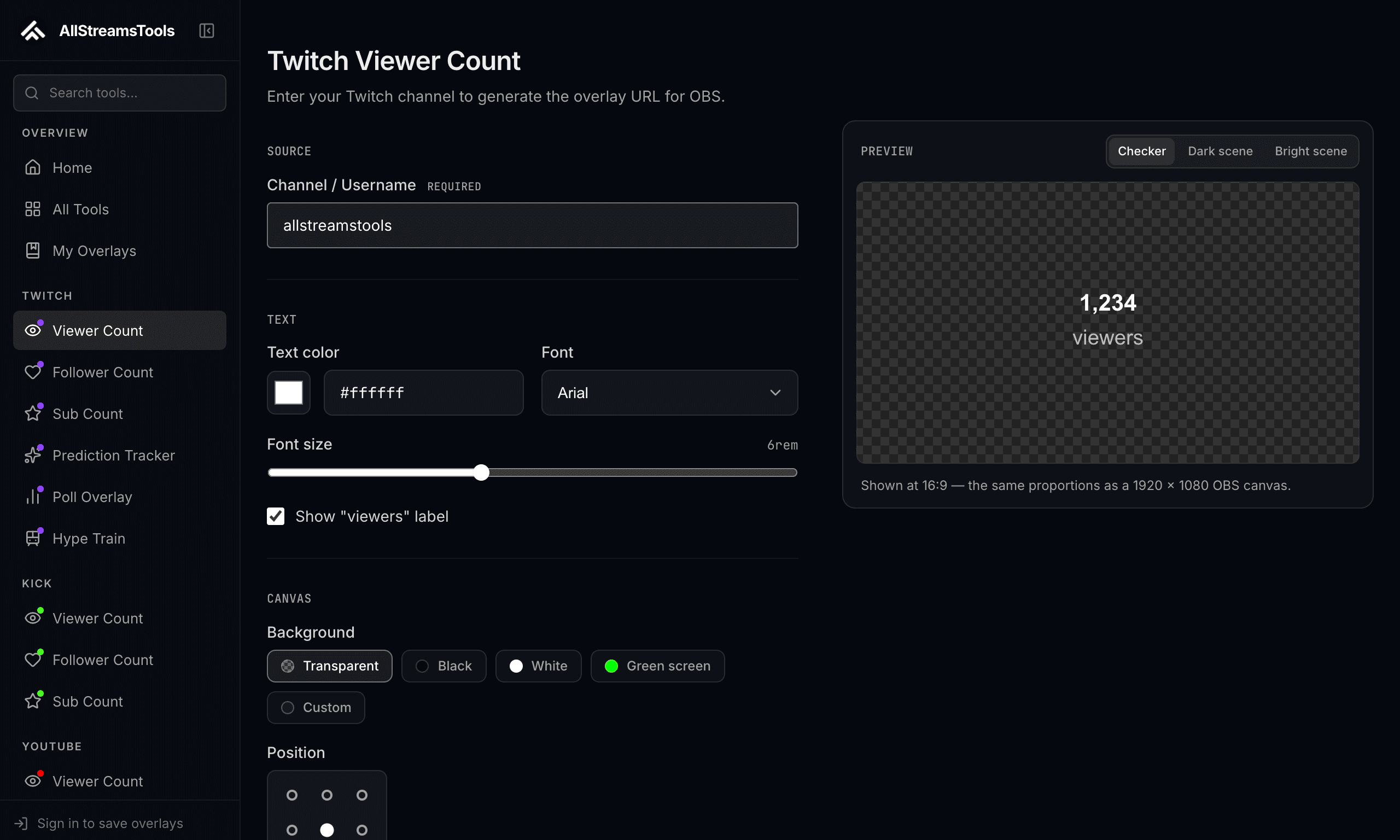
Add parameters like ?channel=, ?color=, ?font= to the URL. No config panels needed.
Add a Browser Source in OBS and paste your URL. Transparent background — done.
https://allstreamstools.com/chat
?channel=yourname
?platform=twitch
&color=ffffff
&font=Inter
&size=18Most visual settings are stored as URL parameters so OBS can render the same configuration without a separate editor window. Public tools may include a channel name, colors, font size, alignment, or timer state. Authenticated integrations can include a private session reference; treat those URLs like credentials and do not share them in screenshots or public scene collections.
OBS loads the overlay in its built-in browser. Static utilities render immediately; live counters poll their platform responsibly; event tools connect and wait for a poll, prediction, hype train, chat message, or donation. A transparent event overlay can therefore be working correctly while it has nothing to display.
OBS can shut a browser source down when it is hidden or refresh it whenever a scene becomes active. Those options save resources for static pages but can restart timers, reconnect chat, or reset event state. Test scene transitions before enabling them on a live-data overlay.