About AllStreamsTools

Streaming tools that stay out of your way.

An independent toolkit by NodCodes for streamers who want focused OBS overlays without installing another desktop app or rebuilding a scene from scratch.

  • Twitch
  • Kick
  • YouTube
  • Spotify
  • Last.fm
  • Discord
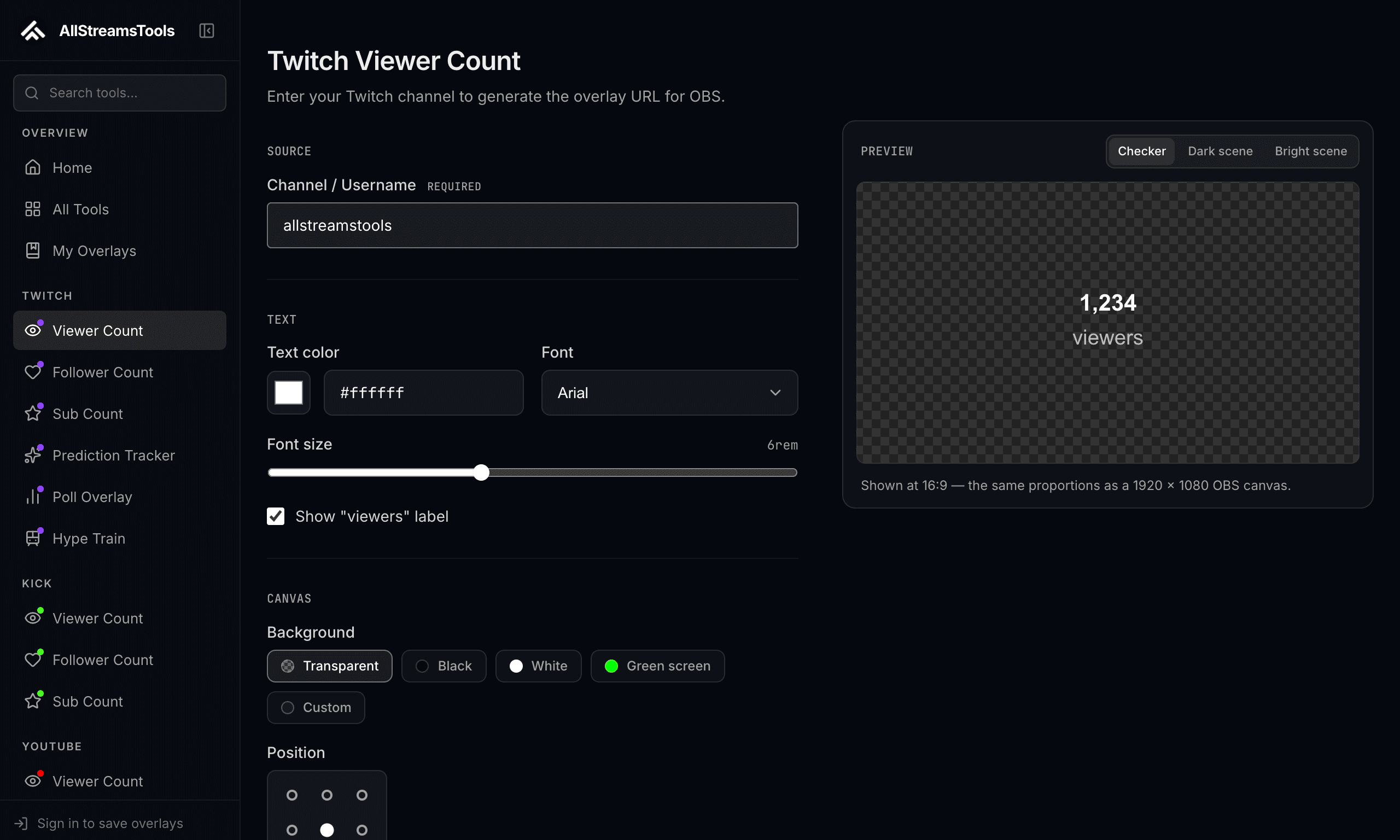
The viewer count configuration screen: sidebar catalog, controls, and a live transparent preview

Why it exists

A viewer count should be a five-minute job.

Configure the information, copy a URL, add it to OBS as a Browser Source. Most streaming suites make that small task part of a much larger platform. Here each overlay is independent, so a scene uses only what it needs.

How the tools are built

They run in the browser OBS already ships.

Configuration is encoded in the URL; live tools read the platform APIs. Transparent backgrounds, typography and position controls make the same overlay usable across gameplay, talk-show, vertical and IRL layouts.

Project principles

Five rules the tools are held to.

Overlays
22Overlays
Platforms
6Platforms
Downloads
0Downloads
  1. 01

    A useful free version of every core tool

    Counts, chat, clocks and timers work without paying. Pro covers the tools that cost us to run.

  2. 02

    Explain before asking for authorization

    Every connect button says what the scope grants and why the overlay needs it.

  3. 03

    Light enough to leave running

    An overlay is one page with one job, so a scene full of them does not eat the encoder.

  4. 04

    Document limitations honestly

    When a platform hides a metric or delays an event, the tool says so instead of showing a stale number.

  5. 05

    No account unless the platform demands one

    Public numbers read from public endpoints. Only broadcaster-private data asks you to sign in.

Start with a working scene.

Browse the tools for an overlay, or follow the OBS guides for setup and troubleshooting.